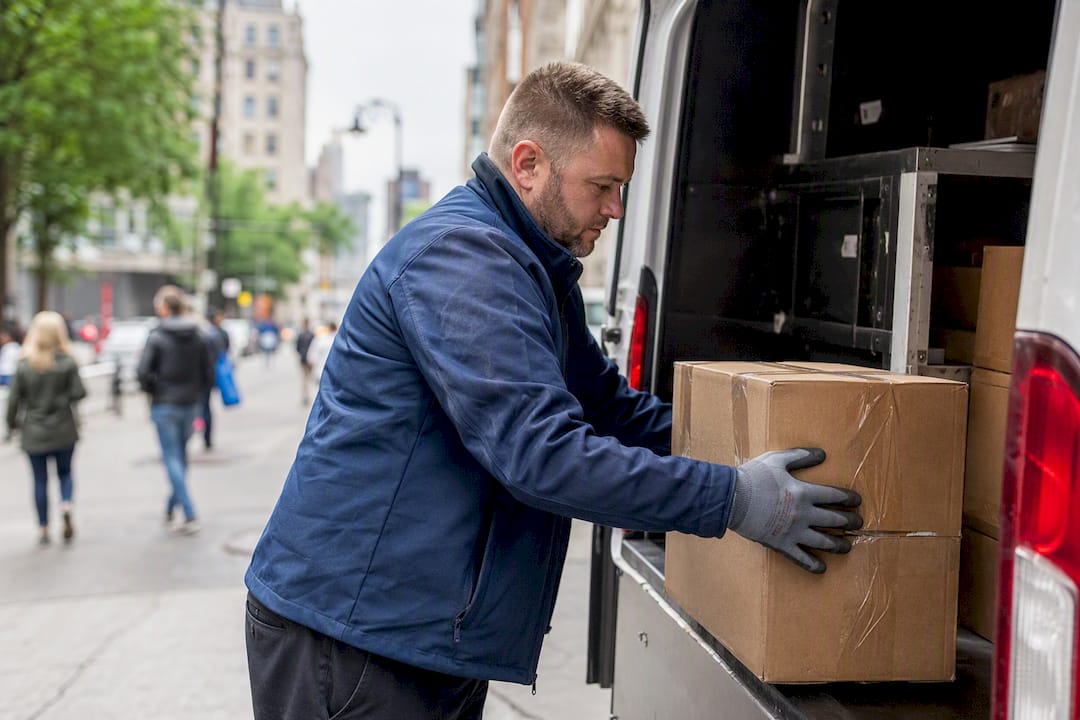
A courier pickup window is the block of time during which a driver is scheduled to collect a shipment. The single most important rule: be fully ready before the window opens, and keep your phone on. Miss that, and you risk a failed collection, a rebooking fee, or a return to origin.
TL;DR:
- Pickup windows rely on accurate timestamps for pickup_ready_dt and pickup_deadline_dt, with minimum gaps often as short as 10 minutes.
- Missed pickups typically result in short driver wait times of 5 to 15 minutes, potential rescheduling fees, or full cancellations.
- Proper shipment preparation, including clear labeling, staging, and documentation, significantly reduces the risk of failed collections.
- Using real-time tracking and open communication can decrease driver wait times and improve overall pickup success rates.
- Apps like Get It Picked offer instant booking, real-time driver updates, and proof-of-pickup to minimize missed collections and disputes.
Table of Contents
Why Pickup Windows Exist in the First Place
A pickup window has two edges: pickup_ready_dt, the moment your shipment must be staged and available, and pickup_deadline_dt, the latest moment a driver can still arrive and complete the collection. Uber’s delivery-window documentation defines both fields this way, and most carrier platforms follow the same logic whether the request comes through ASAP on-demand dispatch or a scheduled slot booked hours in advance.
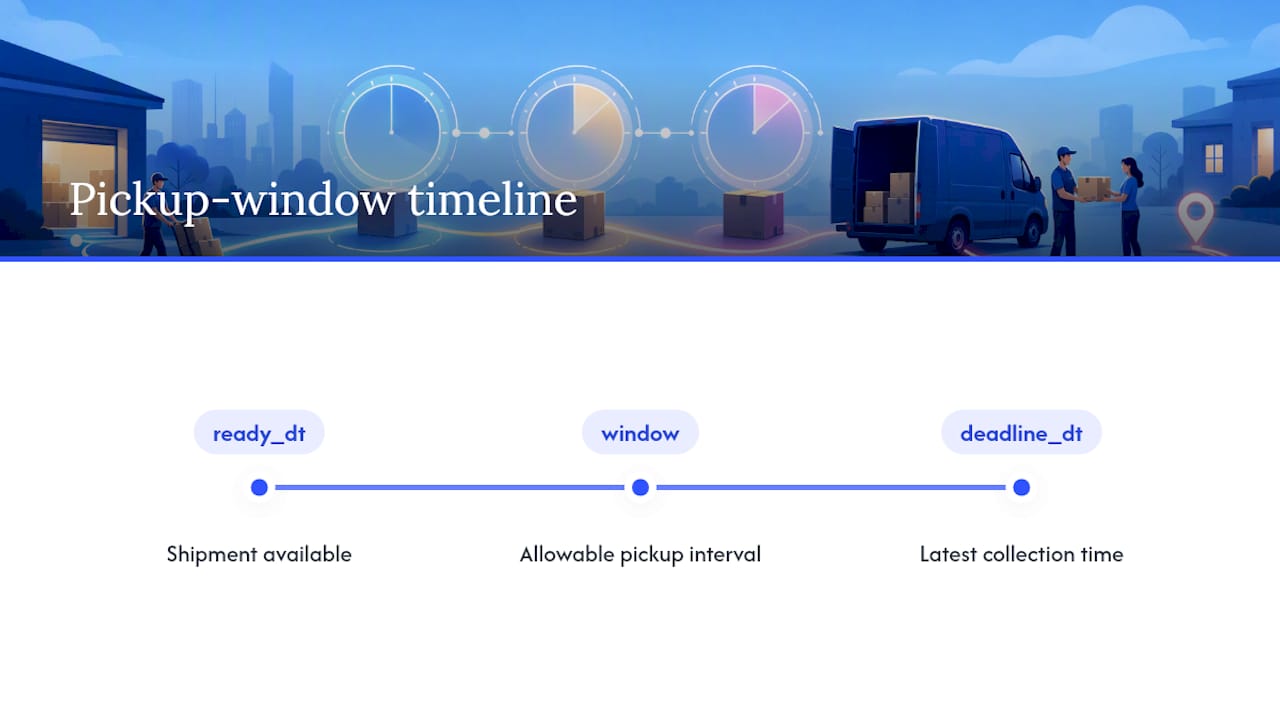
Carriers build windows, rather than promising an exact arrival minute, because routing dozens of stops across a city requires flexibility. A tight window means less idle time between jobs and tighter routes. Merchant portals and booking APIs both rely on this two-field structure. When you request a pickup through an app or a business dashboard, you’re really just setting values for those two timestamps.
Window Types and What the Time Slots Actually Look Like
Not every pickup request looks the same. Same day courier collection typically falls into three formats, and knowing which one you’re booking changes how you prepare.
- ASAP or on-demand: a driver is dispatched immediately after booking, often arriving within 30 to 90 minutes depending on driver availability nearby.
- Scheduled same-day windows: fixed slots such as 8:00 AM to 12:00 PM or 12:00 PM to 5:00 PM, booked ahead of a cutoff time earlier that morning.
- Next-day or multi-day windows: booked further out, often with a wider slot like a full business day, useful for non-urgent freight or recurring pickups.
Booking cutoffs matter more than most coordinators expect. Developer guidance for scheduled pickups typically caps how far in the future a window can be set, often under 30 days, and enforces a minimum gap between pickup_ready_dt and pickup_deadline_dt, sometimes as little as 10 minutes, per Uber’s window rules. In merchant portals, these show up as simple dropdowns. In an API call, they’re explicit timestamp fields you have to populate correctly or the booking gets rejected.
How to Schedule a Pickup: Portal, Customer, and API Workflows
How you arrange courier pickup depends on which side of the transaction you’re on. Here’s the practical path for each.
- Portal booking (merchants and businesses): Log into your business dashboard, select the shipment, and choose a pickup date and window. Confirm the pickup address, contact name, and phone number are current before submitting.
- Customer requests: Submit your pickup request before the daily cutoff, usually mid-morning for same-day service, and double-check the confirmation email or app notification lists the correct window.
- API or aggregator flow: Pass
preferred_min_time and preferred_max_time (or equivalent pickup_ready_dt and pickup_deadline_dt fields) in your request. A successful booking returns a pickup_reference_number, according to Easyship’s courier pickup documentation. Save that number. It’s your proof of booking if anything goes wrong later.
- Watch for status updates: Confirmed, en route, arrived, and completed statuses typically push through the same channel you booked in. Treat a missing “en route” notification near the window’s start as a signal to call, not wait.
What Happens When a Pickup Is Missed
A pickup window is a coordination promise between shipper and carrier, and it runs both ways. When a shipper isn’t ready, the driver doesn’t just wait indefinitely. Fareye’s analysis of same-day delivery operations notes that failing to be ready within the window creates real costs for the carrier, and those costs often land back on the shipper.
Typical carrier responses include:
- A limited waiting period at the pickup location, often 5 to 15 minutes, before the driver moves on.
- An attempted-pickup mark on the order, which may trigger a rescheduling fee.
- A return-to-origin or full cancellation if the driver can’t reach anyone or the shipment isn’t staged.
If you need to dispute a failed pickup, come armed with specifics: the time-stamped photo the driver took on arrival, any driver notes logged in the app, and your booking or pickup_reference_number. Vague complaints rarely get resolved. A clear timeline does.
Shipment-Prep Checklist Before the Window Opens
Getting the paperwork and packaging right before pickup_ready_dt is what actually prevents most failed collections. Run through this before every scheduled window:
- Labels, manifests, and any required customs or delivery documents are printed and attached, not just saved on a laptop somewhere.
- Packages are staged at the exact pickup spot, not still sitting in a back office, with a staff member assigned to hand off.
- Signage marks the loading area clearly, and driver access instructions (buzzer codes, loading dock numbers, parking restrictions) are written down, not assumed.
- Oversized or palletized loads are flagged to the carrier in advance so the right vehicle and equipment show up.
Following digital readiness and clear staging practices, as Gordon Food Service outlines, measurably cuts friction at the point of handoff.
Pro Tip: Print a duplicate copy of your booking confirmation and keep it at the pickup desk. Drivers occasionally can’t reach dispatch for details, and a physical reference speeds up the handoff by a full minute or two, which matters when they’re running a tight route.
Coordination Tactics That Cut Driver Waiting Time
Reducing failed pickups usually comes down to communication, not better paperwork. A few operational habits make a measurable difference:
- Use real-time tracking and arrival alerts so the right staff member is already at the pickup spot when the driver arrives, not paged after the fact.
- Keep a phone line open for the entire pickup window and reply fast; a driver stuck outside a locked dock with no answer becomes a missed pickup within minutes.
- Photo proof of delivery paired with a text-on-arrival system, similar to what Haulier, shortens the average dwell at each stop.
- Maintain one identified staging area with signage, so drivers aren’t guessing between three loading doors.
- Track your own pickup success rate and average driver wait time month over month. If wait time creeps up, the staging process, not the driver, is usually the problem.
For teams managing recurring or palletized freight collections, Haulier.AI’s container delivery scheduling playbook covers similar readiness principles at a larger scale.
How Get It Picked Handles Pickup Windows
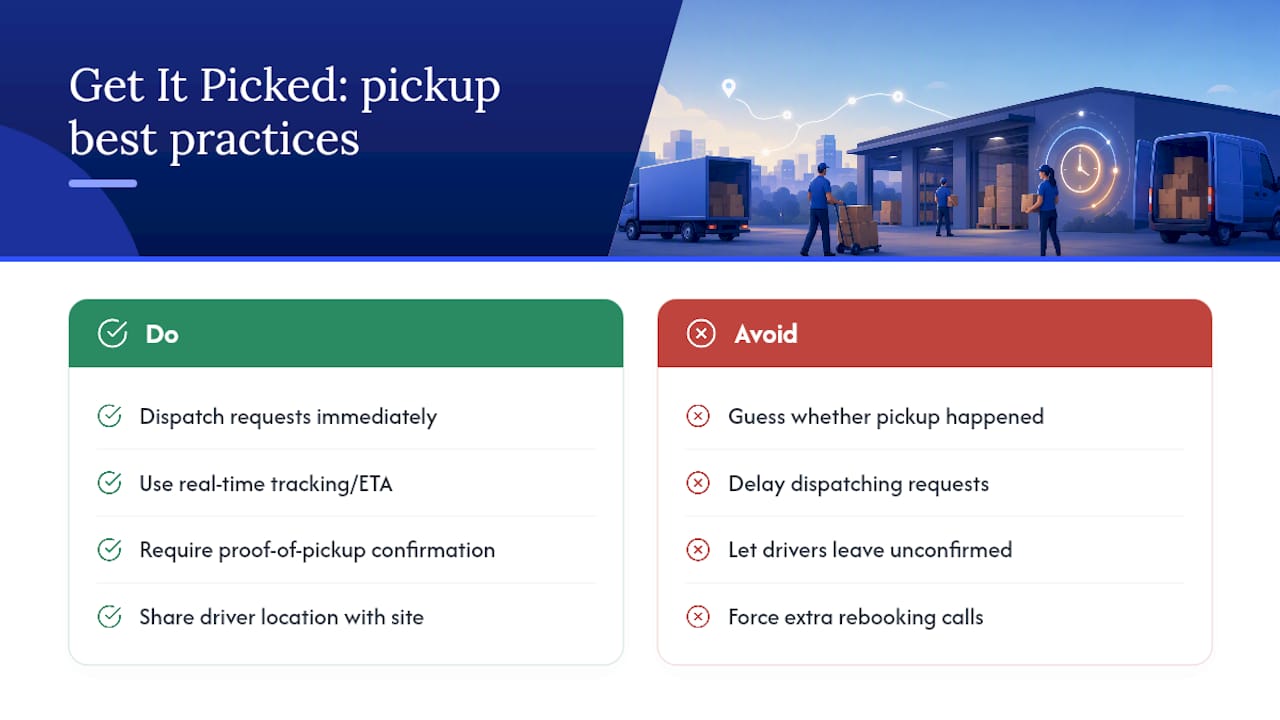
Get It Picked runs same-day pickup and delivery through a mobile app built for exactly the readiness problem this guide covers. Requests get dispatched fast, and real-time tracking lets both the customer and the pickup location see where the driver is before arrival, not after a missed window creates a scramble.
That visibility is the point. Proof-of-pickup confirmation removes the guesswork over whether a collection actually happened, and it gives businesses a clean reference if a dispute ever comes up. Fewer failed pickups, fewer rebooking calls, less time spent chasing down a driver who already left.
— Agamjot
Book a Same-Day Pickup Without the Guesswork
An app-based courier service gives businesses a faster path to a completed pickup than juggling multiple carrier portals or waiting on a call center for a window confirmation. Booking through the app usually provides a same-day window, real-time driver location, and proof-of-pickup at collection, often without a long-term contract requirement.
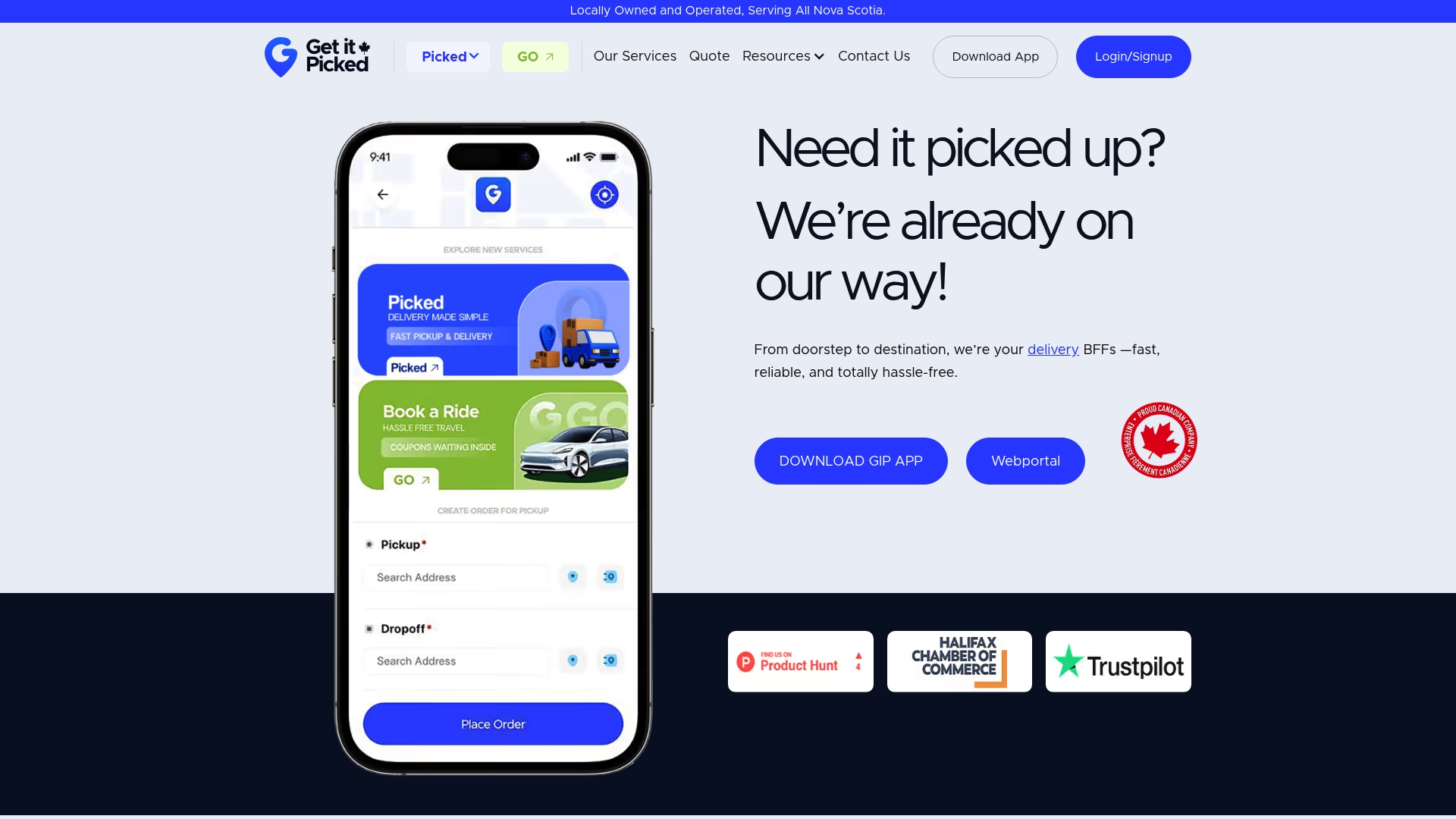
That matters most for businesses running recurring collections, whether it’s a pharmacy sending prescriptions across town or an ecommerce seller handling daily returns. If you already manage regular volume, the order fulfillment page covers scheduled collection setups built for that pace. For a one-off or urgent shipment, check same-day delivery service to see current coverage, or download the courier app and get a pickup window booked in the next few minutes.
Where to Go Deeper on Pickup Scheduling
For the technical side of booking, Uber’s delivery-window documentation and Easyship’s courier pickup API guide lay out the exact fields and constraints developers work with. For business-side readiness, Get It Picked’s guides on creating and managing delivery orders and getting a fast courier estimate walk through the process end to end.
Sources
Recommended